
Tiny11 is based on Windows 11 version 25H2, offering a clean and responsive computing experience by removing unnecessary apps and services found in the standard Windows installation.
Tiny11 requires approximately 8GB of disk space, compared to the 20GB typically used by a full Windows 11 setup. If you want an even more lightweight option, Tiny11 core is more than twice as small as a normal Windows 11 ISO, while sacrificing serviceability. As such, it is more geared towards those who want something for a VM or a testbed environment.
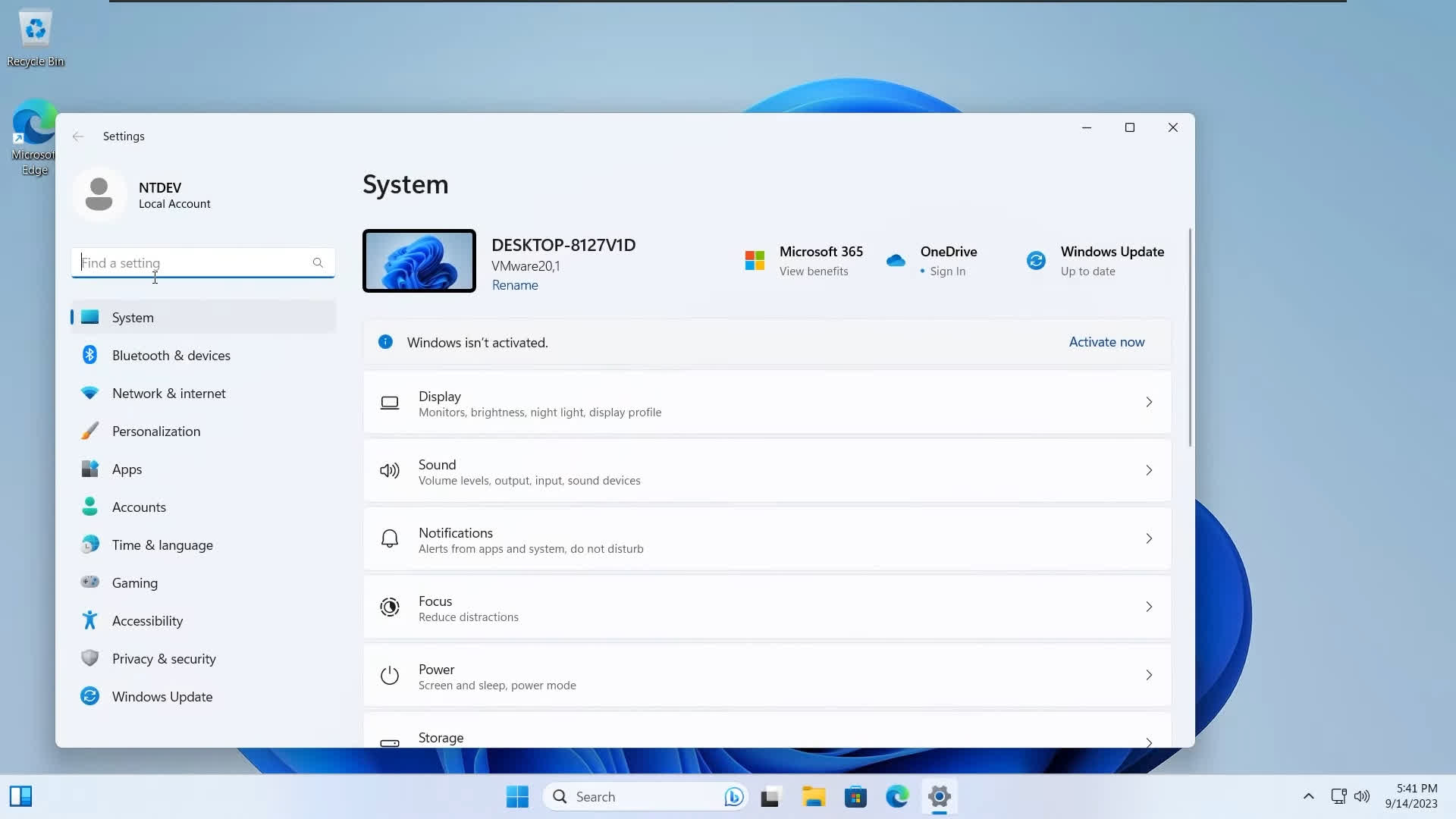
Tiny11 includes essential tools like Calculator, Notepad, Paint, and access to the Microsoft Store, allowing users to install additional apps as needed. It's the perfect choice for systems with limited resources, virtual machines, or for anyone who simply wants a cleaner Windows experience.
What is Tiny11 and how is it different from regular Windows 11?
Tiny11 is a lightweight, unofficial version of Windows 11 that has been stripped down to run on lower-end hardware. It removes many default apps and system components, making it more suitable for older PCs or virtual machines.
Can I activate Tiny11 with a valid Windows license key?
Yes, Tiny11 can be activated using a legitimate Windows 10 or 11 product key. Since it's based on Windows 11 Pro, activation works the same way as on the official version. Tiny11 can be installed on unsupported devices and is compatible with upgrades from Windows 10.
Is Tiny11 safe to use?
Tiny11 is a stripped-down version of Windows 11 designed for low-spec systems. While many users report positive experiences, it's essential to understand that Tiny11 is a modified ISO and not officially supported by Microsoft.
Does Tiny11 support Windows updates?
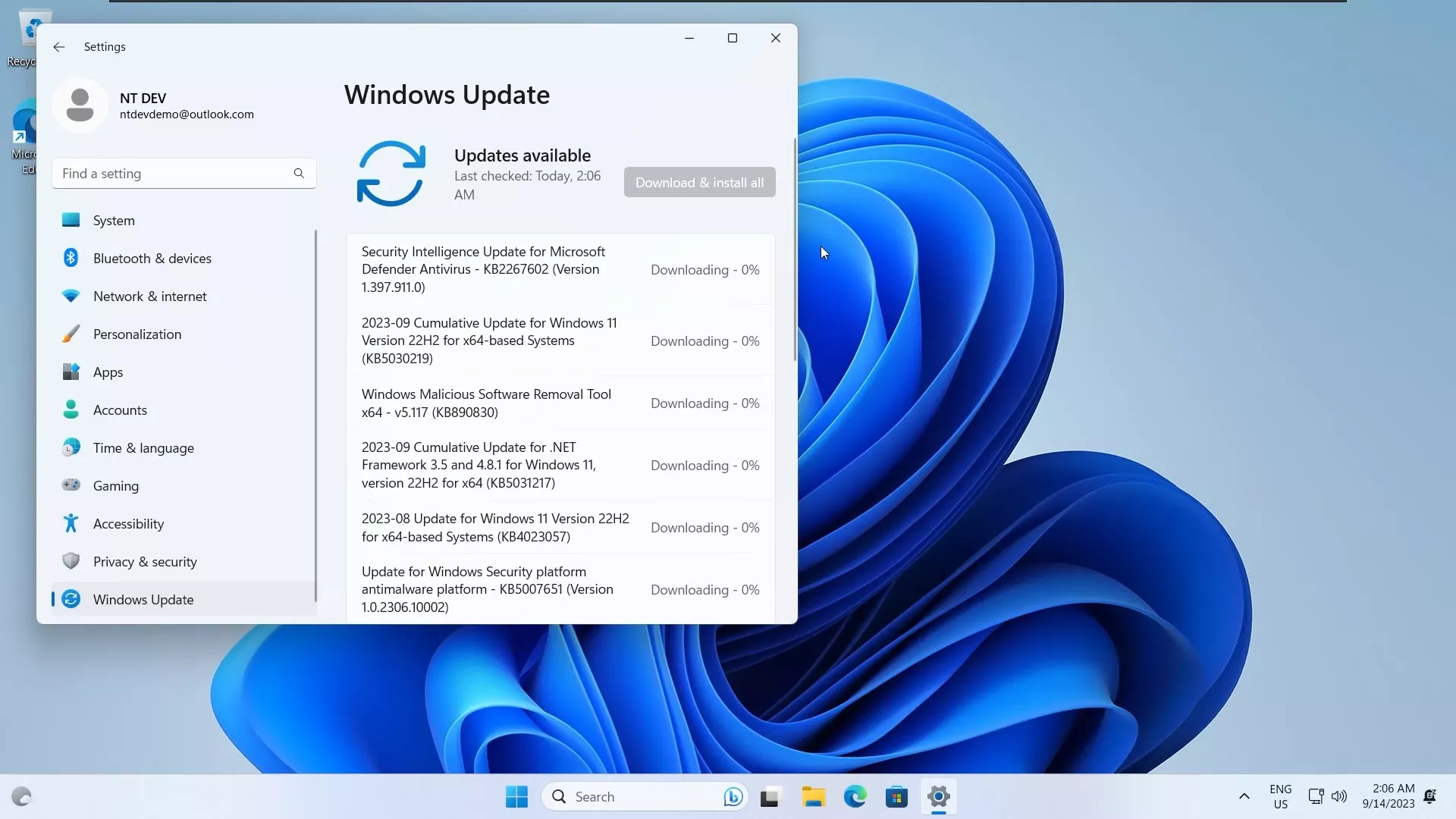
By default, Windows Update is functional in most builds of Tiny11, but major updates might not always install properly due to removed components. Some users manually enable updates or use tools like Windows Update MiniTool.
Can I install apps from the Microsoft Store on Tiny11?
In recent builds, the Microsoft Store and its dependencies are included or can be reinstalled manually. Most apps work as expected, but some that rely on removed services might not function properly.
What's New
Based on the latest Windows 11 version 25H2, tiny11 removes the unnecessary bloat and clutter, giving you a purer, more responsive operating system without sacrificing core functionality. It's the perfect choice for systems with limited resources, virtual machines, or for anyone who simply wants a cleaner Windows experience.
It also doesn't require a Microsoft account and it bypasses the system requirements, meaning that you can install it on any PC that supports Windows 10.
Also, if you want something even more lightweight, tiny11 core is more than twice as small as a normal Windows 11 ISO, while sacrificing serviceability. As such, it is more geared towards those who want something for a VM or a testbed environment.
Tiny 11 24H2
- This new release adds support for Windows 11 24H2, as well as the various QoL improvements added from various pull requests
Previous Release Notes:
With a new, easier to understand naming scheme and a number of major improvements, tiny11 2311 is finally here! Based on the *actual* 23H2 release of Windows 11, the new release is a whopping 20% smaller than the old tiny11 23H2 image it replaces, while being even more functional
Apart from being based on the latest Windows 11 update, tiny11 2311 is also fully updateable to the next cumulative updates of Windows! The issues that affected this ability should now be fixed. This means that tiny11 2311 is fully serviceable.
You can also enjoy from the new Windows 11 23H2 features like Copilot, but only if you want to have them! You just have to install Microsoft Edge using Winget and voila, you have Copilot on tiny11!
It's all about choice!
Just like with the previous release, components like the Xbox functionality have been stripped only to their bare bones, but by installing an Xbox game it can be brought to full functionality. You can also add .net 3.5 or new languages!
Overall, tiny11 2311 fixes most, if not all of the nagging issues with previous releases of tiny11, all while being smaller and even more flexible.
