WTF?! A woman with schizophrenia was hospitalized after seeing an Apple TV+ ad on her Samsung smart fridge. Because the ad coincidentally used her name, the woman believed someone was attempting to communicate with her through the appliance.
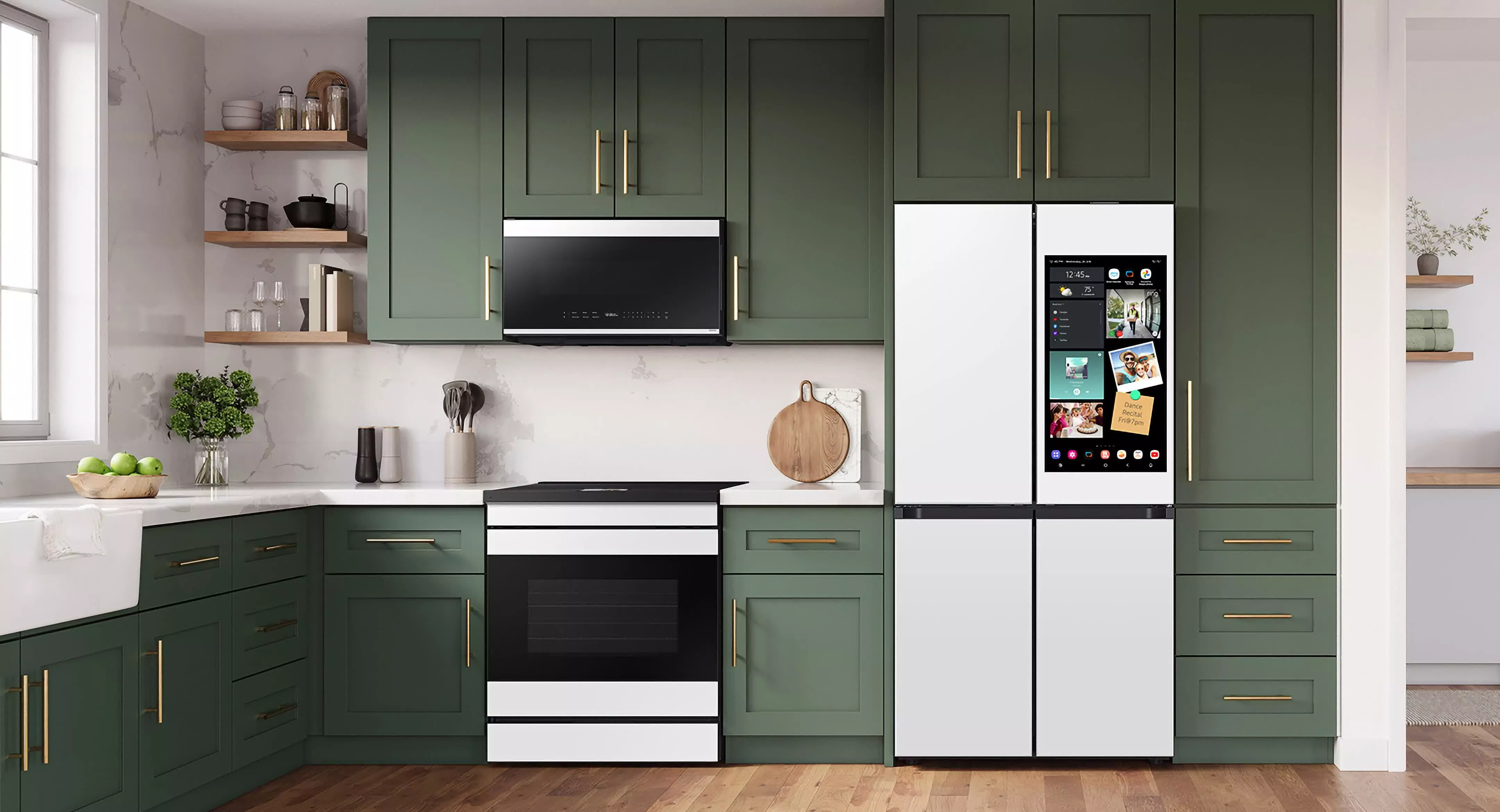
Samsung said in September that it would start showing ads on its Family Hub refrigerators' cover screens. According to the company, the ads are designed to enhance value for owners. Unsurprisingly, most owners aren't happy about yet another one of their screens showing ads.
A UK-based Redditor writes that their schizophrenic sister believed she was having a psychotic episode when an advert for Apple TV+ appeared on her Samsung fridge.
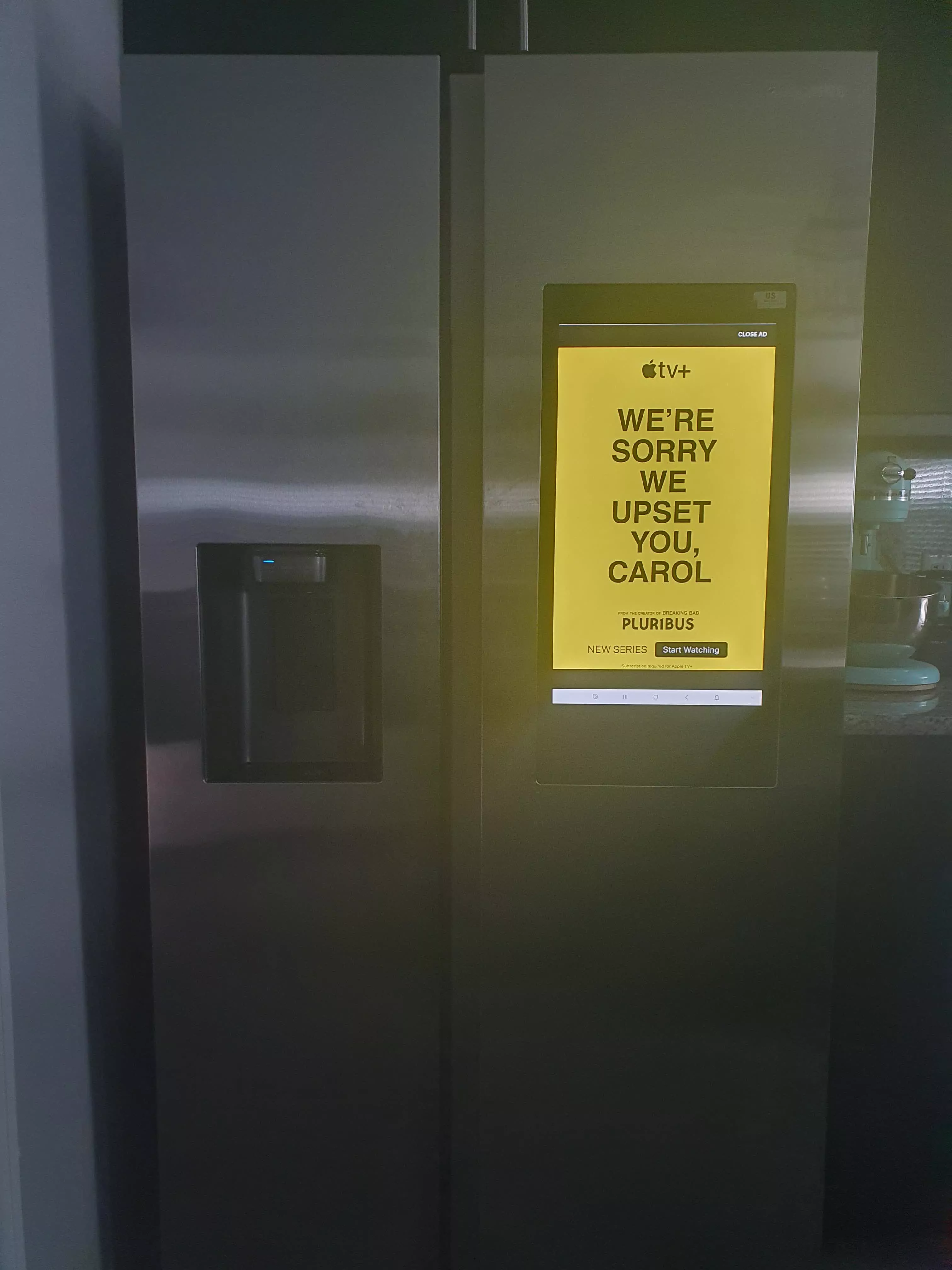
Credit: Shellnanigans
The ad, which was promoting the popular Apple TV+ show Pluribus, showed black text on a yellow background that read, "We're sorry we upset you, Carol."
Unfortunately, the woman in question's mental health issues, and the fact she's also called Carol, sent her spiraling. She phoned her sibling to tell them that someone was trying to communicate with her through the fridge. She then booked a taxi to the local hospital's emergency department.
The woman spent two days at the hospital under observation and had her medication adjusted.
The sibling later discovered a photo of the same Apple TV+/Pluribus ad being shown on a smart fridge. The sister confirmed it was the same one she saw.
It was also revealed that the woman in question uses medication to control her condition and has a history of psychotic episodes about once every two years.
The Reddit post questions whether running creepy ads like these is legal. Many have pointed out that unless the person disabled ads on the fridge but it kept showing them, Samsung has done nothing wrong.
One person does note that the UK Advertising Standards Authority (ASA) evaluates "appropriate placement," so the agency could decide that an ad such as this one may be considered inappropriate.
Samsung pushed out a software update in November allowing owners of its very expensive refrigerators to turn off the ads. To disable them, head to the Settings section on the Family Hub screen, tap advertisements, tap Cover Screen Ads, then use the toggle to turn them off.